


Practicals + AI-Native Curriculum
Master in-demand skills through hands-on practical training and an AI-powered curriculum built for modern careers.


3 months · Live classes · Weekday + Weekend · ₹3–8 LPA avg package
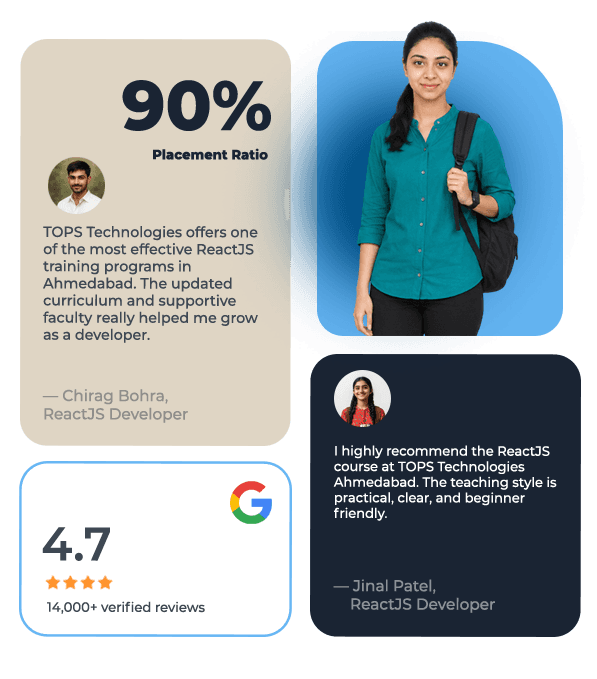
Walk-in any Ahmedabad center six days a week. Live trainer-led classes.
Master in-demand skills through hands-on practical training and an AI-powered curriculum built for modern careers.
Learn directly from industry experts sharing real project experience, workflows, and current hiring expectations.
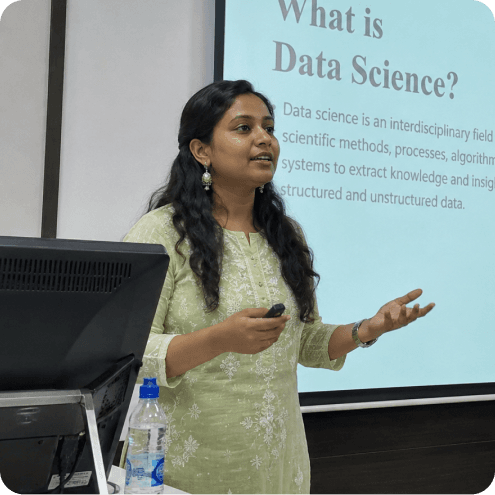
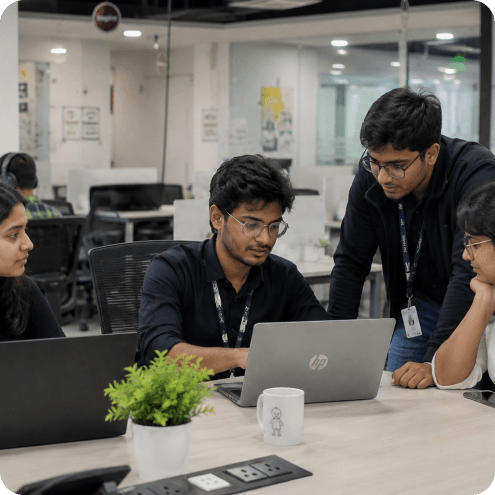
Build real-world projects and a strong portfolio that proves your practical skills to recruiters and companies.
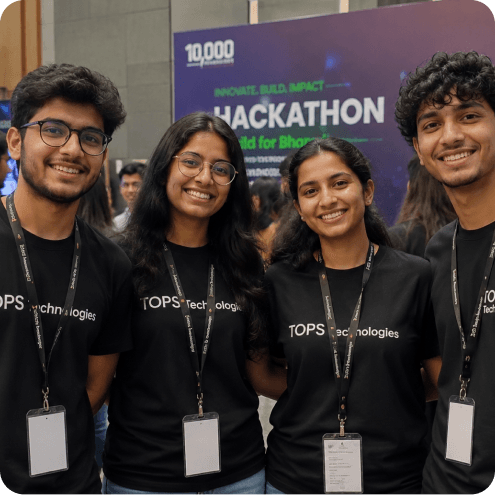
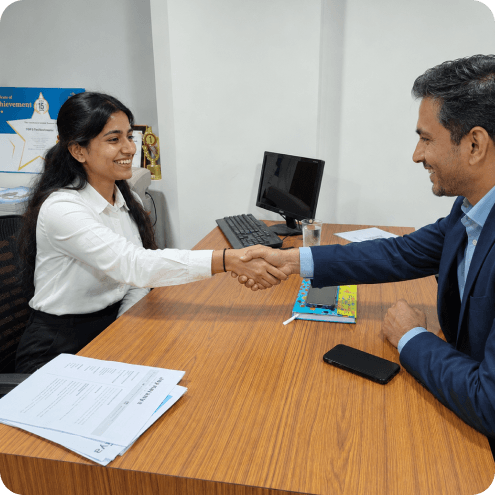
Prepare with mock interviews and recruiter-focused resume building designed to improve placement success.
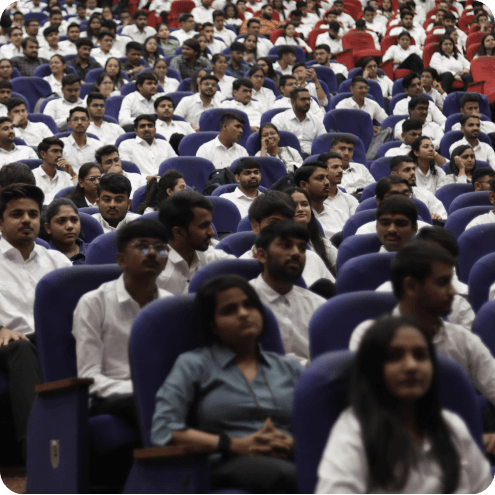
Master in-demand skills through hands-on practical training and an AI-powered curriculum built for modern careers.
Learn directly from industry experts sharing real project experience, workflows, and current hiring expectations.
Build real-world projects and a strong portfolio that proves your practical skills to recruiters and companies.
Prepare with mock interviews and recruiter-focused resume building designed to improve placement success.
Learn skills that hiring partners across India are actively recruiting for — every single day.
A guided experience designed to give you absolute career clarity.
Personal session with a senior career counselor.
Skill plan tailored to your background.
Sit in a live class with our trainers.
Tour classrooms, labs and project spaces.
See real placement records & process.
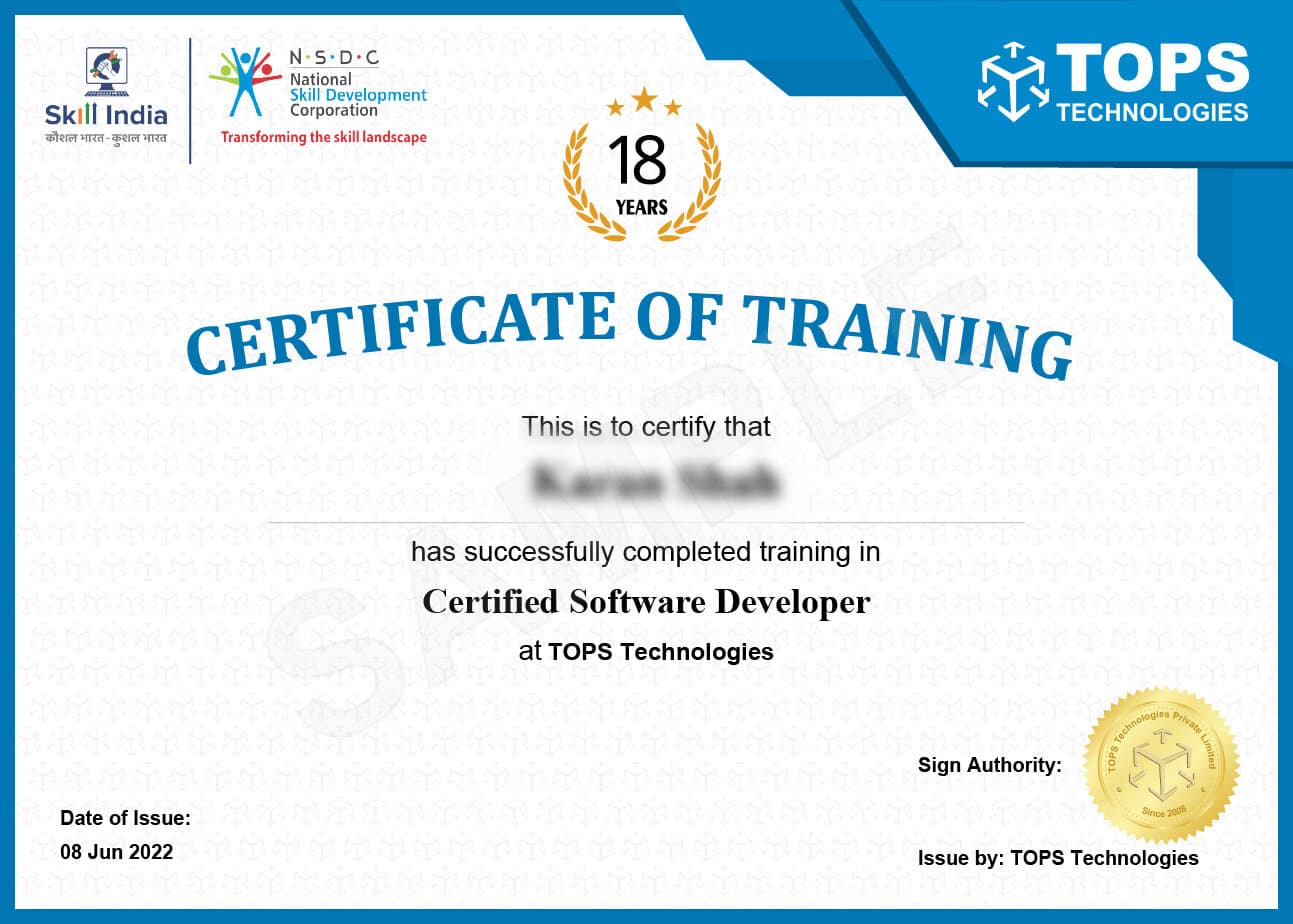
Every TOPS course is NSDC-aligned. You earn a Government of India recognised credential that HRs trust nationwide — proof of your skills, not just your attendance.
Hiring partners that actively recruit from TOPS Technologies — interviewing students at Job Fests, campus drives, and on-demand placements.








A single-day on-campus hiring drive. Our students interview with TCS, Wipro, Infosys, Cognizant — in one venue, one day.
“TOPS Nikol's ReactJS training combined perfectly with the Node.js course I did after. Going from React to a full MERN stack took 6 months total and I was placed at a tech company building products for international clients. The Node.js module recommendation from the placement team was spot on.”
“React JS training in Ahmedabad at TOPS SG Highway was the best investment I made in my career. The TypeScript with React module is what differentiated me in interviews — most candidates only know JavaScript React. Placed at a product company with a 40% salary premium over what I expected.”
“React JS classes in Ahmedabad have multiplied but TOPS CG Road's quality stands out. The Redux Toolkit module taught state management the way it's actually used in production apps — not simplified examples. Got placed at a SaaS company in Ahmedabad's Prahlad Nagar tech area.”
Learn from industry experts. No fluff, no fees.
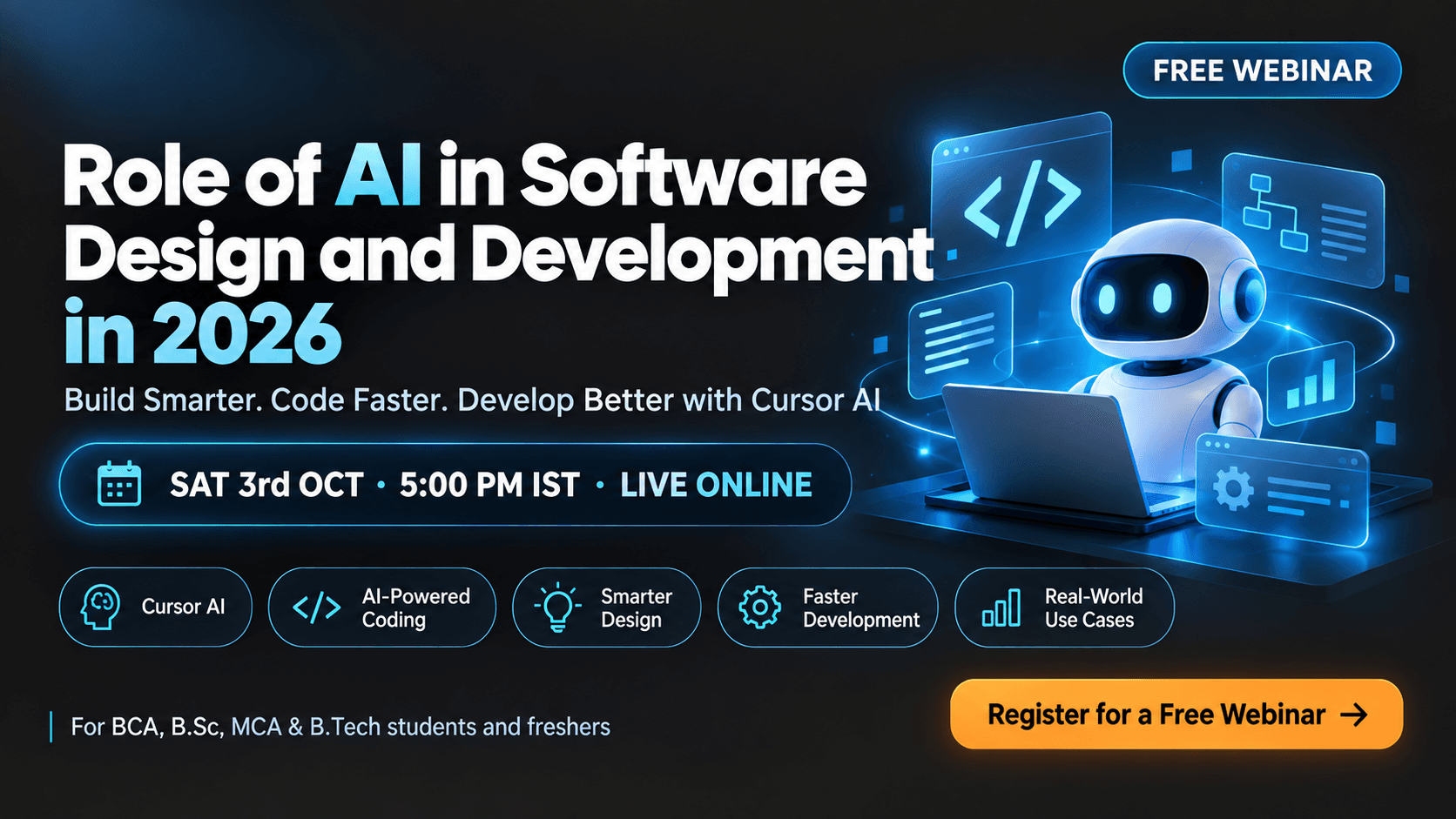 UPCOMING · 3 OCT
🚀 Discover how Cursor AI is transforming software design and development in 2026. Learn AI-powered coding, faster development, debugging, and practical workflows in this webinar

Hackathons, job fests, capstone demos and batch celebrations. Tap a category to explore what a week at TOPS actually looks like.
React JS is the most widely used front-end library in the world — and across Ahmedabad's product companies, IT services firms, and startups, React developers are among the most consistently hired. TOPS Ahmedabad's React JS course covers functional components, hooks, context API, Redux, REST API integration, and Node.js (Express.js) for full MERN stack development. Whether you are looking for a React JS course in Ahmedabad or a combined React and Node JS training programme, TOPS structures both in a single, coherent full-stack pathway. Four centres, MERN stack projects on real-world specifications, and placement support make this the city's most practical React training. Affordable fees with scholarships available.
At TOPS Ahmedabad, every web and mobile development programme ends with a deployable, demonstrable project — not a theory exam. The React.js course builds towards a final deliverable that incorporates everything you have learned: Testing React Components with React Testing Library. This project — with its live URL or app store link — is the single most valuable thing you take into your first placement interview. It proves you can build, not just describe. Employers who recruit from TOPS specifically ask to see live projects before making interview decisions.
The React.js curriculum covers the full technology stack required for professional development roles in Ahmedabad's market:
All topics are taught in a real development environment — Git version control is used from session one, code is reviewed in pull-request style, and deployment is hands-on rather than simulated. The development workflow mirrors what you will encounter at your first job.
The programme runs over 2 to 3 months. The first module — JavaScript ES6+ Refresher: Arrow Functions, Destructuring, Promises — establishes the foundation, and every subsequent module builds towards the final deployed project:
Ahmedabad's technology sector has matured significantly — product companies, IT services firms, and digital agencies now offer competitive salaries for skilled developers, particularly those who can demonstrate deployed, functional projects. Here is what TOPS Ahmedabad's React.js graduates typically see in their first and subsequent roles:
| Role | Salary (Ahmedabad) | Tools / Skills |
|---|---|---|
| React.js Developer | ₹3.5–8 LPA | React,Redux,REST APIs,JavaScript,TypeScript |
| Frontend Engineer | ₹3–7 LPA | React,CSS,HTML,REST APIs,Hooks |
| MERN Stack Developer | ₹4–9 LPA | React,Node.js,MongoDB,Express,REST APIs |
| React Native Developer | ₹4–9 LPA | React,React Native,Mobile,JavaScript |
Salary progression in development roles in Ahmedabad is strongly correlated with project portfolio quality and framework depth — both of which are directly addressed in the TOPS React.js curriculum. If you are searching for 'react js course in ahmedabad' or 'react js training in ahmedabad,' the salary data above reflects what TOPS graduates are achieving right now in this market.
The React.js course is available at all four TOPS Ahmedabad training centres:
All labs are equipped with licensed software — no additional purchase needed. Batch sizes are capped at 20 students. Students may attend a different centre on specific days if their schedule requires flexibility.
TOPS Ahmedabad's React.js graduates have been placed at Product startups, digital agencies, and software companies along Ahmedabad's SG Highway and CG Road tech corridors actively hiring React developers. The placement team provides resume review focused specifically on react.js developer profiles, mock technical interviews aligned to the coding challenges Ahmedabad companies use in their hiring process, and direct introductions to relevant engineering managers and HR teams.
TOPS Ahmedabad's placement cell has been connecting graduates with Ahmedabad's IT and creative sector employers for 18 years. With 3,000+ active hiring partners, a dedicated placement team managing each student's pipeline individually, and the annual TOPS JobFest that brings 200+ companies to campus, placement is built into the programme from day one. Our 24,000+ Ahmedabad alumni work at companies ranging from MNCs and IT services giants to local product startups and agencies.
Students showing strong project progress during the React.js course are considered for internship positions with TOPS' network of 3,000+ partner companies — providing the additional professional context that makes many employer shortlists specifically request TOPS graduates. Internship projects are supervised by TOPS mentors and run concurrently with the final course modules for students who are selected.
Fees at TOPS Ahmedabad are structured to be accessible, and scholarships are available for eligible students based on merit and financial need. Flexible instalment options and any active batch discounts can be confirmed at your nearest centre. Contact CG Road, SG Highway, Maninagar, or Nikol — or submit an enquiry online — to get the current fee structure and upcoming batch dates.

Student story · Nisha R. · 4:12
Subscribe on YouTube →Yes — placement support is a core part of every programme at TOPS Ahmedabad. Our dedicated placement team reviews your resume, prepares you for technical and HR interviews, and connects you directly with hiring companies through our network of 3,000+ active placement partners. Our annual JobFest brings 200+ companies to campus to interview TOPS graduates. Placement is not a one-time event — our team continues to assist until you have accepted an offer that matches your profile and career goals.