


Practicals + AI-Native Curriculum
Master in-demand skills through hands-on practical training and an AI-powered curriculum built for modern careers.


3 months · Live classes · Weekday + Weekend · ₹2.5–6 LPA avg package

Walk-in any Ahmedabad center six days a week. Live trainer-led classes.
Master in-demand skills through hands-on practical training and an AI-powered curriculum built for modern careers.
Learn directly from industry experts sharing real project experience, workflows, and current hiring expectations.
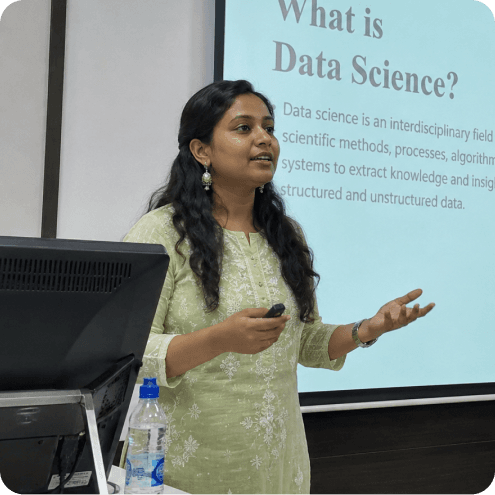
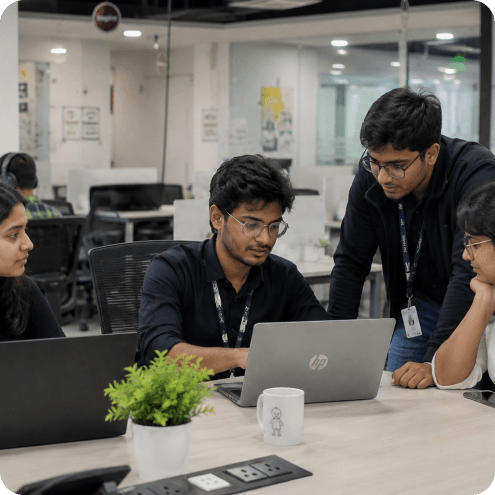
Build real-world projects and a strong portfolio that proves your practical skills to recruiters and companies.
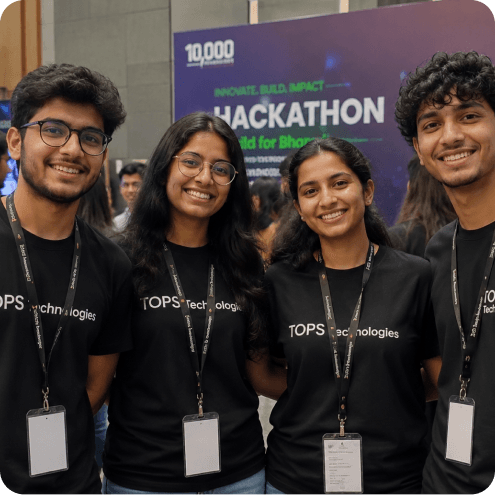
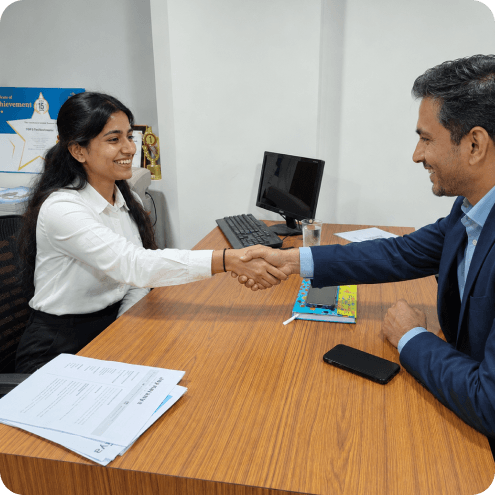
Prepare with mock interviews and recruiter-focused resume building designed to improve placement success.
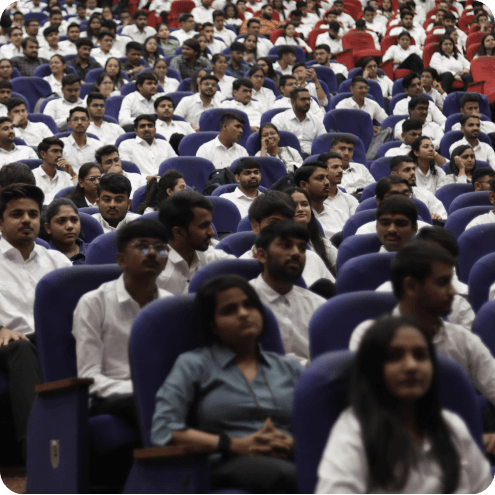
Master in-demand skills through hands-on practical training and an AI-powered curriculum built for modern careers.
Learn directly from industry experts sharing real project experience, workflows, and current hiring expectations.
Build real-world projects and a strong portfolio that proves your practical skills to recruiters and companies.
Prepare with mock interviews and recruiter-focused resume building designed to improve placement success.
Learn skills that hiring partners across India are actively recruiting for — every single day.
A guided experience designed to give you absolute career clarity.
Personal session with a senior career counselor.
Skill plan tailored to your background.
Sit in a live class with our trainers.
Tour classrooms, labs and project spaces.
See real placement records & process.
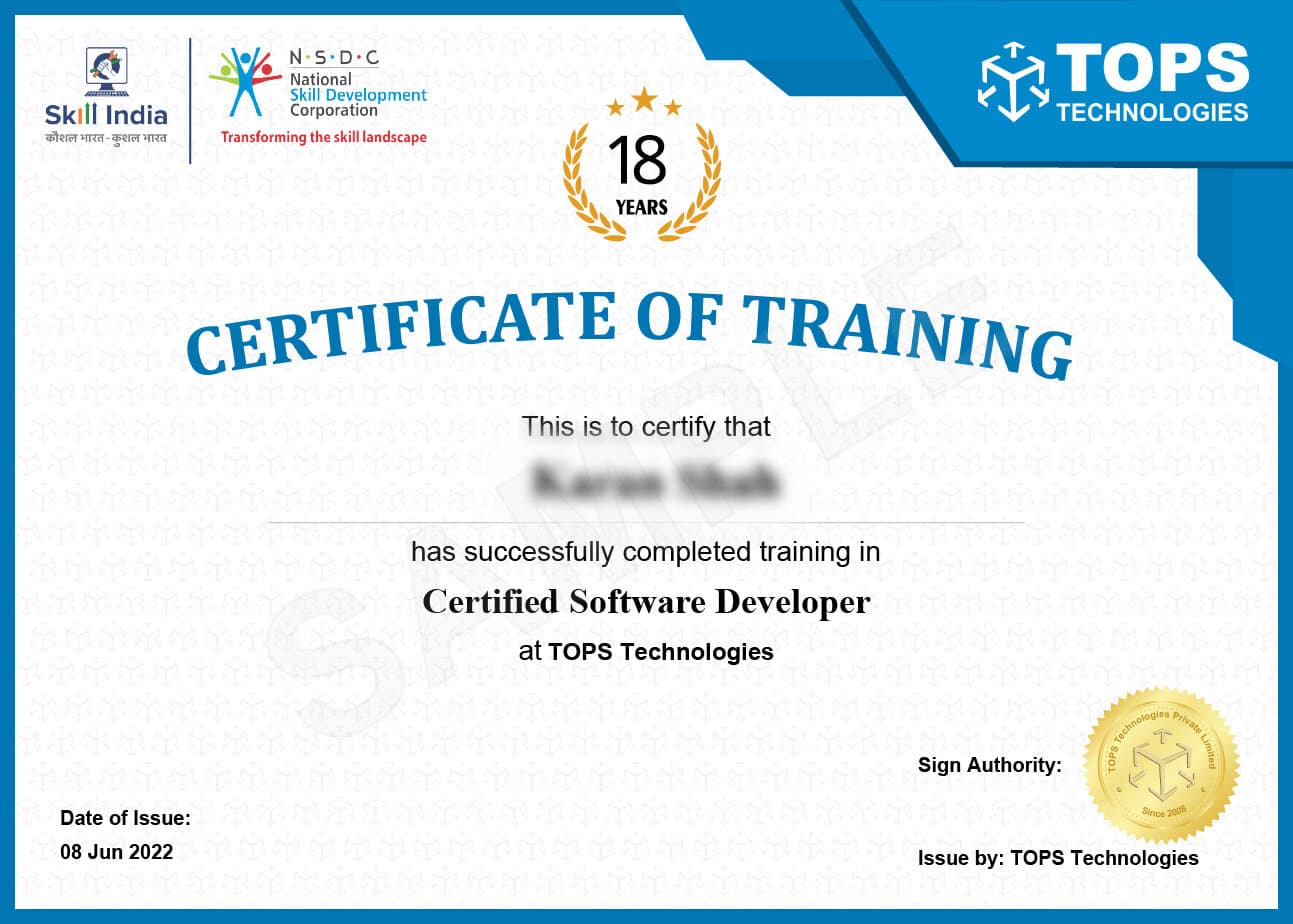
Every TOPS course is NSDC-aligned. You earn a Government of India recognised credential that HRs trust nationwide — proof of your skills, not just your attendance.
Hiring partners that actively recruit from TOPS Technologies — interviewing students at Job Fests, campus drives, and on-demand placements.















A single-day on-campus hiring drive. Our students interview with TCS, Wipro, Infosys, Cognizant — in one venue, one day.
“Web designing course fees at TOPS Ahmedabad are the most reasonable in the city. The trainer's Ahmedabad client portfolio — real websites they designed and built — was shown as examples throughout the course. That real-world context made the learning immediate and practical.”
“TOPS SG Highway's web designing course covers both design (Figma) and development (HTML/CSS/JS) — a rare combination that makes you more valuable than either a pure designer or a pure coder. The WordPress module at the end was the final piece I needed for freelance projects.”
“Web design course in Ahmedabad at TOPS CG Road is where I found my career. The Bootstrap 5 module is the most practical module I've studied — by the end I could build any responsive layout from scratch. Got my web designer job at an Ahmedabad digital agency through the TOPS placement drive.”
Learn from industry experts. No fluff, no fees.
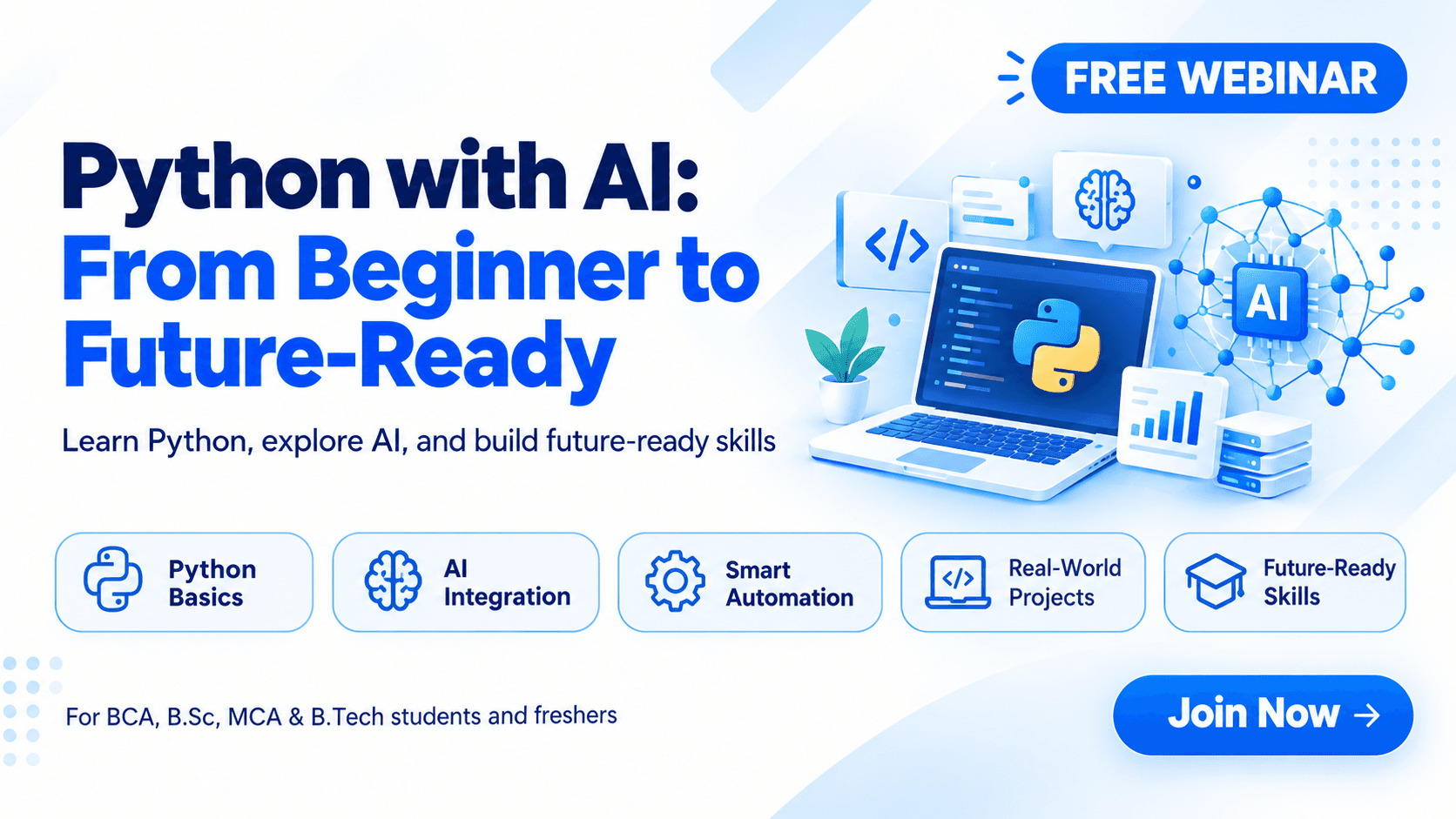 UPCOMING · 22 OCT
Join our FREE Python with AI webinar! Learn Python basics, explore AI tools, build coding skills, and take your first step toward a future-ready tech career.
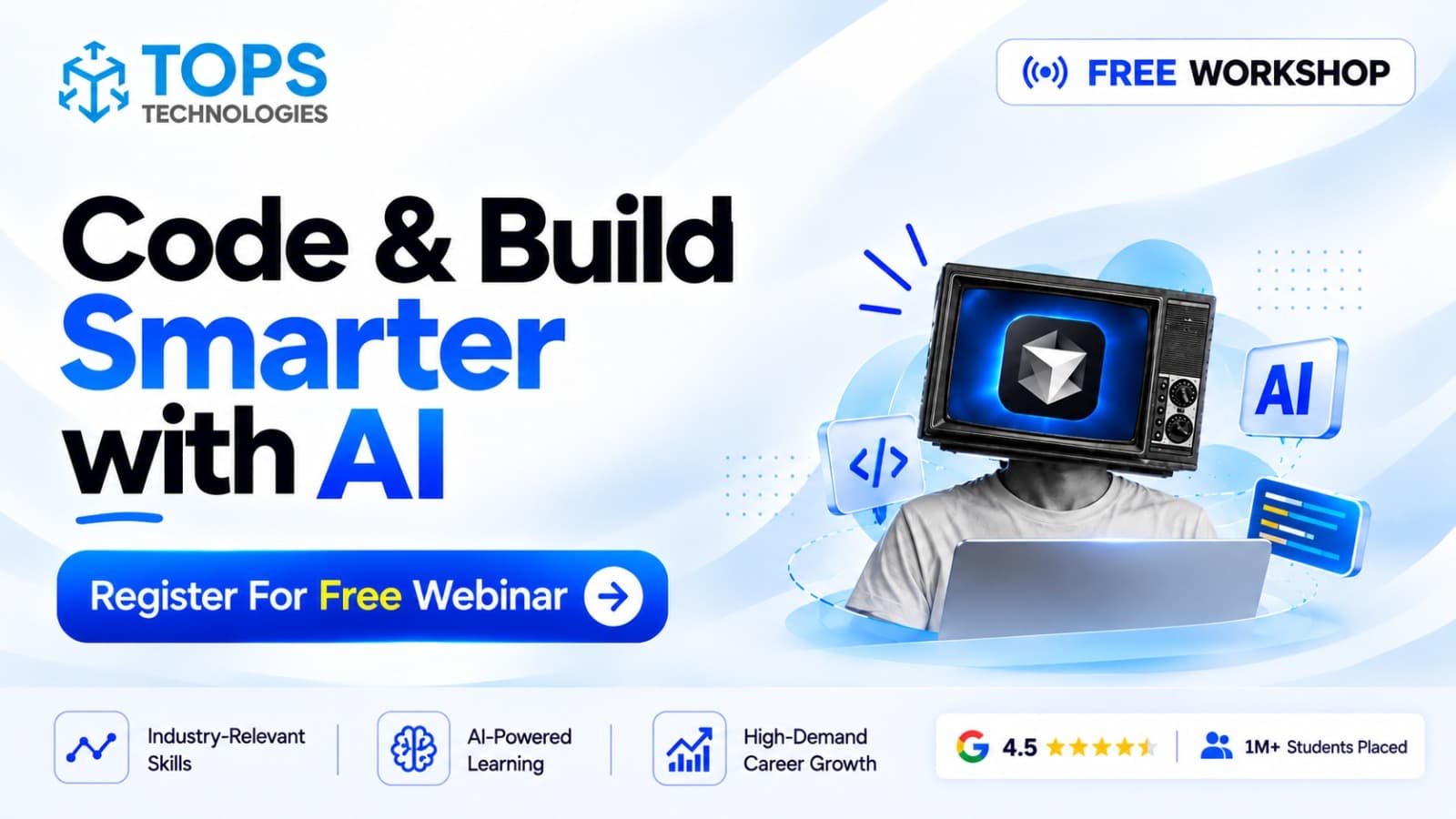 UPCOMING · 24 OCT
Discover how to use AI tools to write code faster, debug smarter, and build real-world projects efficiently while developing industry-ready coding skills for 2026.
Hackathons, job fests, capstone demos and batch celebrations. Tap a category to explore what a week at TOPS actually looks like.
Web design is Ahmedabad's most in-demand creative-digital skill — thousands of businesses across the city need websites, and every website needs a designer who can make it look professional, load fast, and convert visitors. TOPS Ahmedabad is the city's most recognised web designing institute, consistently appearing in searches for 'web design course in Ahmedabad,' 'web designing course fees,' and 'best web designing training.' The course covers HTML5, CSS3, JavaScript, Bootstrap, responsive design, Adobe Photoshop, and user experience fundamentals — the complete front-end design stack. Four centres, real client brief simulations, and placement support make TOPS the city's most practical web design training programme. Scholarships available.
In creative careers, your portfolio carries more weight than any certificate. TOPS Ahmedabad's Web Designing programme is structured portfolio-first: every module produces a portfolio artifact. By graduation, you have a complete set of professional-grade work samples — built on real client briefs and industry-standard software — that demonstrate your capability to any employer or freelance client. The capstone deliverable — WordPress Theme Customisation and Deployment — is the centrepiece of this portfolio: a complete, polished piece of web designing work that stands alongside the work of professionals with 1 to 2 years of industry experience.
TOPS Ahmedabad's Web Designing training covers the industry-standard toolkit for this discipline:
All software is installed on lab workstations — no additional purchase required. Students have full lab access during and between sessions, allowing extended practice time on tools that benefit most from repetition: HTML5, CSS3, Bootstrap 5, JavaScript Basics, Figma.
The Web Designing programme runs over 2 to 3 months. The curriculum is sequenced to build skills progressively — foundations before tools, tools before real briefs, briefs before portfolio assembly:
Each of TOPS' four Ahmedabad training centres is equipped with high-specification workstations and the full licensed software suite for Web Designing training. The environment is modelled on a professional studio or design agency — because training in the right environment builds the professional habits that employers notice immediately.
All labs are equipped with licensed software — no additional purchase needed. Batch sizes are capped at 20 students. Students may attend a different centre on specific days if their schedule requires flexibility.
| Role | Salary (Ahmedabad) | Tools / Skills |
|---|---|---|
| Web Designer | ₹2–4.5 LPA | HTML,CSS,Bootstrap,Figma,Photoshop |
| UI Developer | ₹2.5–5.5 LPA | HTML,CSS,Bootstrap,JavaScript,Responsive Design |
| WordPress Developer/Designer | ₹2–4 LPA | WordPress,HTML,CSS,Elementor,Customisation |
| Web Designer – Freelancer | ₹2.5–7 LPA | HTML,CSS,Figma,Photoshop,Client Management |
Creative salaries in Ahmedabad vary by specialisation and portfolio quality — which is why TOPS' emphasis on portfolio-first training directly affects the salary offers our graduates receive. Candidates with a strong, curated portfolio consistently receive offers at the higher end of the salary range shown above.
TOPS Ahmedabad's Web Designing graduates have been placed at Digital agencies, web design studios, corporate marketing departments, real estate and hospitality companies across Ahmedabad hiring web designers. Beyond full-time placement, many TOPS design graduates build successful freelance practices — Ahmedabad's large base of MSMEs, real estate developers, event management companies, and professionals provides a consistent freelance client base for trained designers. The TOPS placement team supports both employment and freelance pathways.
TOPS Ahmedabad's placement cell has been connecting graduates with Ahmedabad's IT and creative sector employers for 18 years. With 3,000+ active hiring partners, a dedicated placement team managing each student's pipeline individually, and the annual TOPS JobFest that brings 200+ companies to campus, placement is built into the programme from day one. Our 24,000+ Ahmedabad alumni work at companies ranging from MNCs and IT services giants to local product startups and agencies.
Fees at TOPS Ahmedabad are structured to be accessible, and scholarships are available for eligible students based on merit and financial need. Flexible instalment options and any active batch discounts can be confirmed at your nearest centre. Contact CG Road, SG Highway, Maninagar, or Nikol — or submit an enquiry online — to get the current fee structure and upcoming batch dates.
Student story · Nisha R. · 4:12
Subscribe on YouTube →Yes — placement support is a core part of every programme at TOPS Ahmedabad. Our dedicated placement team reviews your resume, prepares you for technical and HR interviews, and connects you directly with hiring companies through our network of 3,000+ active placement partners. Our annual JobFest brings 200+ companies to campus to interview TOPS graduates. Placement is not a one-time event — our team continues to assist until you have accepted an offer that matches your profile and career goals.
TOPS Technologies has four training centres in Ahmedabad: CG Road (Navrangpura), SG Highway (Prahlad Nagar), Maninagar, and Nikol. All four centres offer the same curriculum, the same NSDC Skill India certified trainers, and the same placement support. You can choose the centre closest to your home or workplace, and you may also attend sessions at a different centre on specific days if your schedule requires it. Morning, evening, and weekend batches are available across all centres.
Yes. TOPS Technologies is a Skill India partner certified by the National Skill Development Corporation (NSDC) — the Government of India's flagship skill development initiative. This certification means our training programmes meet nationally recognised standards for curriculum, faculty, and outcomes. The NSDC Skill India certificate you receive on course completion is recognised by government agencies, PSUs, and private sector employers across India as a quality indicator.
TOPS Ahmedabad maintains small batch sizes — typically 15 to 20 students per batch — to ensure every student receives individual attention from the trainer. Classes are conducted in fully equipped computer labs with licensed software installed on every workstation. No additional software purchase is required. Each session combines concept introduction with hands-on lab work — there are no lecture-only sessions in any TOPS programme. Recorded session access is available for students who miss a class due to unavoidable reasons.
Web Designing focuses on the visual and UX aspects of a website — how it looks, the layout, colour scheme, typography, and responsive behaviour across devices. The course uses HTML, CSS, Bootstrap, and Figma as core tools. Web Development is broader, covering both the front-end design layer and the back-end programming layer (server, database, APIs) using JavaScript, Node.js or PHP, and database integration. If you want to design websites visually and understand enough code to implement them, Web Designing is ideal. If you want to build complete web applications with databases and server logic, the Web Development or Full Stack course is the right programme.
Absolutely — Web Design freelancing is one of the most accessible self-employment paths available after the TOPS Ahmedabad course. Gujarat's thousands of small businesses, shops, restaurants, real estate agents, and professionals all need websites, and many prefer to hire local freelancers. After completing the TOPS Web Designing course, you will have a portfolio of websites and the design-to-code skills to pitch freelance clients confidently. TOPS Ahmedabad's course also covers basic client communication and project delivery as part of the curriculum, so you are not just technically prepared but professionally ready to work with clients.